Bitcoin ATMs are becoming increasingly widespread as a bridge between hard cash and cryptocurrency.
As the adoption of Bitcoin and other cryptocurrencies continues to grow, it becomes increasingly important to understand and explore the Bitcoin ATMs transaction limits associated with these digital assets on Bitcoin ATMs. So let’s dive in:
Key Takeaways
- Bitcoin ATM limits are the maximum cash amounts for transactions within 24 hours, set by operators and regulated by governments.
- Limits exist for security, practicality, and compliance with anti-money laundering regulations.
- They vary globally and may differ between states or countries, such as $3,000 to $10,000 in the USA with state-specific variations.
- Bitcoin ATM withdrawals are taxable as capital gains when selling crypto for fiat cash.
- Choosing compliant vendors like CoinTime is essential for legal and secure transactions.
- Increasing transaction limits may require additional personal information and verification.
- Users can locate Bitcoin ATMs near them using services like CoinTime’s website.
Bitcoin ATMs Transaction Limits By Operator
Bitcoin ATMs are growing, and the global crypto ATM market is expected to reach $5,451 million by 2030.
This growth has come from the increased adoption of cryptocurrencies.
Similarly, Bitcoin ATM providers have provided more Bitcoin ATMs and expanded to more areas and regions.
A table showing the Bitcoin ATM withdrawal limit per provider
Bitcoin providers worldwide differ in dominance, with some providers owning more Bitcoin ATMs than others.
Similarly, their limits differ due to differences in regions and regulations. Here are the top Bitcoin ATM operators and their minimum and maximum limits for transacting in cryptocurrencies:
A table showing the Bitcoin ATM withdrawal limit per provider
Bitcoin ATM Withdrawal Limits – Per Jurisdiction
Bitcoin ATM withdrawal limits vary from country to country, with some jurisdictions having shallow limits that do not necessitate identity verification.
While these limits are generally consistent across regions within a country, variations may occur depending on the Bitcoin ATM operator and specific regulations within each state in larger countries.
| jurisdiction | Amount With KYC | Amount Without KYC | Authority |
|---|---|---|---|
| USA | $3,000 : $10,000 | $300 : $900 | FinCEN |
| CANADA | $5,000 : $10,000 | $300 : $900 | Fintrac |
| EUROPE | €3,000 : €10,000 | €150 | Depends on State |
| Australia | $3,000 : $10,000 | – | AUSTRAC |
Bitcoin ATM limits in the United States can vary based on your state and the specific Bitcoin ATM you use.
Generally, you can expect limits between $3,000 and $10,000 when purchasing cryptocurrency at a Bitcoin ATM.
However, state laws may impact these limits, leading to variations.
Here are some examples of state-specific Bitcoin ATM limits:
- California: Senate Bill 401, recently passed, imposes a maximum limit on cash purchases or sales at Bitcoin ATMs to $1,000 starting in January 2024.
- Connecticut: An amendment to an existing house bill sets a daily limit on Bitcoin ATM transactions to $2,500 per person.
What About Other Countries?
Detailed information on Bitcoin withdrawal limits in all countries is generally not available.
The lack of data can be due to various factors, such as the crypto adoption rate, the regulatory environment, and the number of Bitcoin ATMs in different regions.
For instance, Bitcoin is illegal in China, so no data on Bitcoin ATM withdrawal limits is available.
Similarly, there may be few Bitcoin ATMs in countries with limited cryptocurrency adoption or regulatory infrastructure, making obtaining information on withdrawal limits challenging.
Most Bitcoin ATMs worldwide, over 26,000, are concentrated in the USA, with an additional 2,000 in Canada.
Given this distribution, most data regarding Bitcoin ATM withdrawal limits is derived from these two countries.
A chart showing the Bitcoin ATM distribution in the U.S. vs the rest of the world
In other developed countries such as the UK, Ireland, Switzerland, Hong Kong, Russia, Norway, etc, Bitcoin ATMs typically range from 20 to 200.
However, in third-world countries with limited cryptocurrency adoption and regulatory infrastructure, the number of Bitcoin ATMs is minimal, if any, resulting in a lack of available data on withdrawal limits.
Bitcoin ATM Withdrawals Taxation
Bitcoin ATM withdrawals are subject to taxation.
Any realized gains from the transaction are taxable when you sell your crypto at a Bitcoin ATM in exchange for fiat cash.
The Internal Revenue Service (IRS) treats cryptocurrency as property, so selling it constitutes a taxable event.
If you sell your cryptocurrency for a higher price than you paid, you will owe taxes on the capital gains.
Also, if you sell it for less than your initial purchase price, you may be able to deduct the loss from your total tax burden.
Even if you use your crypto to purchase goods or services instead of withdrawing cash, it still counts as a taxable event and must be reported as capital gains tax.
For example, if you bought Bitcoin for $4,000 in 2017 and sold it for $64,000 in 2021, you would owe capital gains tax on the $60,000 profit.
However, purchasing crypto directly from Bitcoin ATMs is not taxable.
Taxation only occurs when you sell or otherwise dispose of the asset, such as exchanging it for fiat currency.
You only need to consider taxes when you cash out your crypto.
How to Increase the Bitcoin ATM Limit
Regulatory compliance plays a big part in setting the Bitcoin ATM limit.
While companies such as CoinTime ATM offer upper limits of up to $50,000, if the region’s legislation has a lower limit, you may be required to provide more information to complete the transaction.
Initially, customers may only need to provide basic information such as their name and undergo phone verification for lower transaction limits.
For higher transaction limits, many Bitcoin ATM operators require KYC verification.
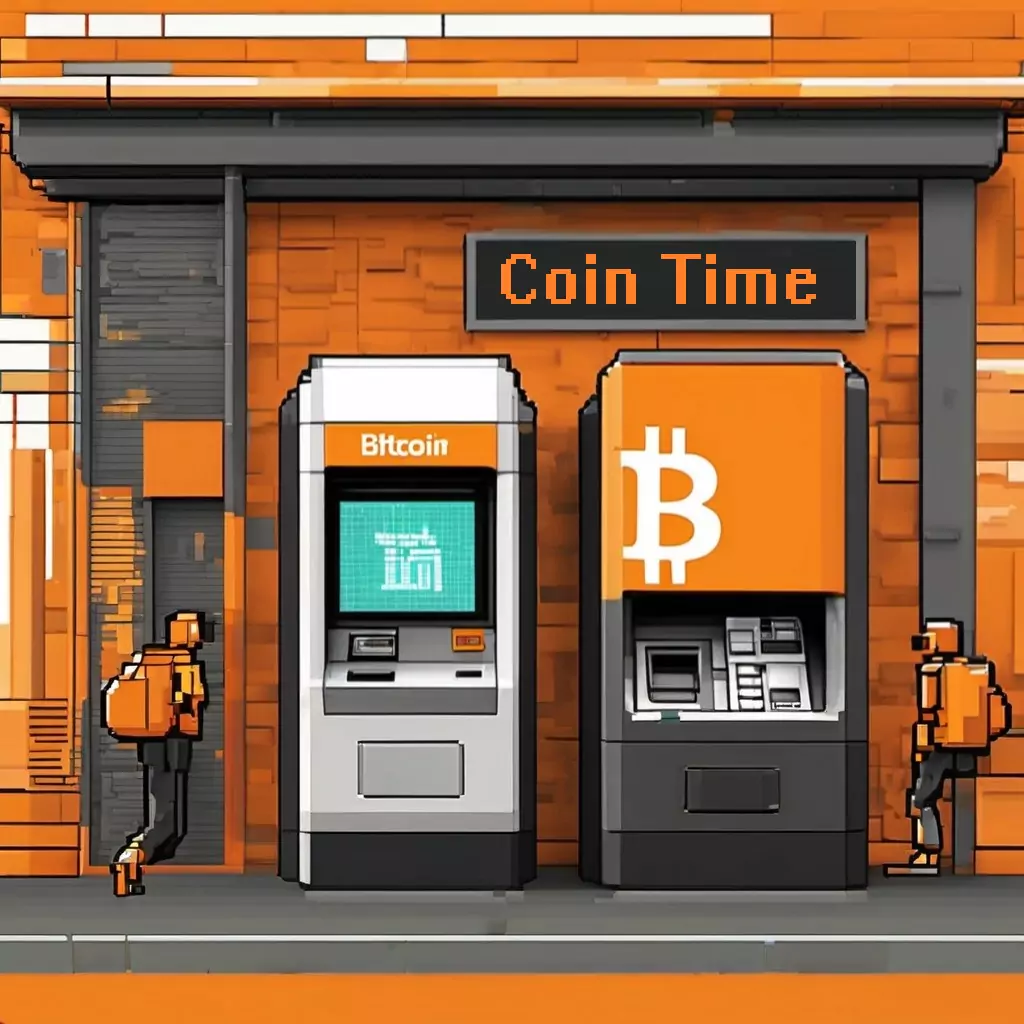
Customers must provide additional personal details such as government IDs, date of birth, occupation, and social security number.
In addition, customers interested in higher transaction limits, such as up to $50,000, may need to provide details about annual income, net worth, and funds source.
Bitcoin ATM operators may also verify the customer’s address before approving an increase in transaction limits.
For significant investments exceeding $50,000, customers may need proof of funds and undergo a background check for approval.
What is a Bitcoin ATM Limit?
A Bitcoin ATM limit is the maximum amount of cash you can use to transact Bitcoin from a Bitcoin ATM in one day (24 hours).
These limits are reset daily, so you can still withdraw more from the BTM.
The Bitcoin ATM limits for different ATMs are set by:
- i) Bitcoin ATM Operators
Bitcoin ATM operators typically set maximum limits ranging from $3,000 to $10,000, depending on the company.
They also devise minimum limits, often starting at $20.
These limits ensure enough cash is available in the kiosks at any time.
- ii) State and Federal Government
In addition to the limits set by Bitcoin ATM operators, state and federal governments provide the regulations governing Bitcoin ATM limitations.
These regulations serve to prevent instances of fraud and to protect consumers.
For example, in the United States, the Financial Crimes Enforcement Network (FinCEN) is the principal Federal bureau responsible for regulating Bitcoin ATMs.
Why Do Bitcoin ATM Limits Exist?
Bitcoin ATMs share characteristics with traditional ATMs due to their transaction limits and security reasons, among others.
So, why do these limits exist? Here is why:
– Security
Limiting withdrawal volumes helps reduce the risk of unauthorized access to individuals’ crypto accounts in cases of fraud or scams.
If someone gains access to a user’s keys (the unique alphanumeric code identifying their crypto), withdrawal limits prevent them from draining the entire account.
Different Bitcoin ATM operators employ various security measures, such as digital wallets linked to consumer accounts, mobile phone verification codes, QR codes, or driver’s license scans, to enhance security and prevent unauthorized access.
– Practicality
Bitcoin ATMs have withdrawal limits to ensure they do not run out of funds, just like traditional ATMs.
By setting withdrawal limits, Bitcoin ATM operators ensure that the machine remains operational and continuously available for use by multiple customers, without interruption.
Preventing one customer from depleting the machine’s funds allows others to access it, promoting better customer service and accessibility.
– Compliance
Bitcoin ATM operators must comply with anti-money laundering (AML) regulations to ensure legal operation.
Setting withdrawal limits is a crucial aspect of compliance with these regulations.
FinCEN (Financial Crimes Enforcement Network) mandates that Bitcoin ATM companies implement written AML programs, including internal controls, ongoing personnel training, designation of compliance officers, and regular annual reviews or audits of the AML program.
Failure to implement withdrawal limits could result in non-compliance with AML regulations, jeopardizing the safety and legality of the Bitcoin ATM operation.
Final Thoughts
Using a Bitcoin ATM to transact Bitcoin offers a fast and convenient way to trade crypto.
The transaction limits are set to ensure efficient customer service and compliance with regulations.
It’s important to use a vendor like CoinTime that operates within the boundaries of the law.
Note that if you come across a Bitcoin ATM that doesn’t impose purchase limits, it’s likely not compliant with regulations, and it’s advisable to avoid using it.
FAQs
– Is there a limit on Bitcoin ATMs?
Yes, Bitcoin ATMs typically have withdrawal limits set by operators and governmental regulations.
– How much BTC can I buy at a Bitcoin ATM?
The amount of Bitcoin you can buy at a Bitcoin ATM depends on the machine’s limit, which varies by operator and region.
Generally, limits range from $3,000 to $10,000 per transaction.
– Can I send $10,000 through a Bitcoin ATM?
Depending on the specific Bitcoin ATM and its limits, you may be able to send $10,000 in a single transaction.
Hence, it is important to check the machine’s capabilities and any regulatory restrictions.
– What is the Bitcoin ATM daily withdrawal limit in California?
In California, recent legislation has imposed a maximum limit on cash purchases or sales at Bitcoin ATMs to $1,000 starting in January 2025.
– What is the Bitcoin ATM near me?
To find a Bitcoin ATM near you, use CoinTime’s services.
Their website is dedicated to locating cryptocurrency ATMs.
– Are there any Bitcoin ATMs without withdrawal limits?
It’s uncommon to find Bitcoin ATMs without withdrawal limits.
Such limits are typically imposed for security, practicality, and compliance reasons.
– Do Bitcoin ATMs accept cash?
Yes, Bitcoin ATMs usually accept cash or debit cards to purchase crypto.
Users deposit cash into the machine in exchange for Bitcoin or other supported cryptos.
– What is the minimum deposit at a Bitcoin ATM?
The minimum deposit at a Bitcoin ATM typically starts at $20, although this may vary depending on the operator and machine.
– Do Bitcoin ATMs take 100-dollar bills?
Many Bitcoin ATMs accept 100-dollar bills for cash deposits, but you should verify with the specific operator, as some may have limitations on bill denominations.
– How much does a Bitcoin ATM charge for $500?
The fees charged by Bitcoin ATMs for transactions vary by operator and location.
Fees can range from 5% to 10% of the transaction amount.
– How much can a Bitcoin ATM send at once?
The amount a Bitcoin ATM can send simultaneously varies depending on the operator and jurisdiction.
Generally, limits range from $3,000 to $10,000, but specific amounts may differ.
– What is the Bitcoin ATM deposit limit?
The maximum amount you can deposit depends on the specific machine and operator, but it often ranges from $20 to $10,000.
– What is the CoinTime ATM daily limit?
Cointime ATM, like other Bitcoin ATM operators, sets daily transaction limits.
The upper limit is usually $50,000 per day.
– What is the Bitcoin ATM daily withdrawal limit in the USA?
In the USA, Bitcoin ATM transaction limits vary by state and operator.
Generally, limits range between $3,000 to $10,000 per transaction.